Forgot your tablet? Not any more.
Doselia speaks up on time for every dose. One tap and it is marked as taken. Blood pressure, weight and other readings go in the same place — ready for your next appointment.

All reminders included. No account, no subscription.
Runs on your device · servers in the EU · no tracking
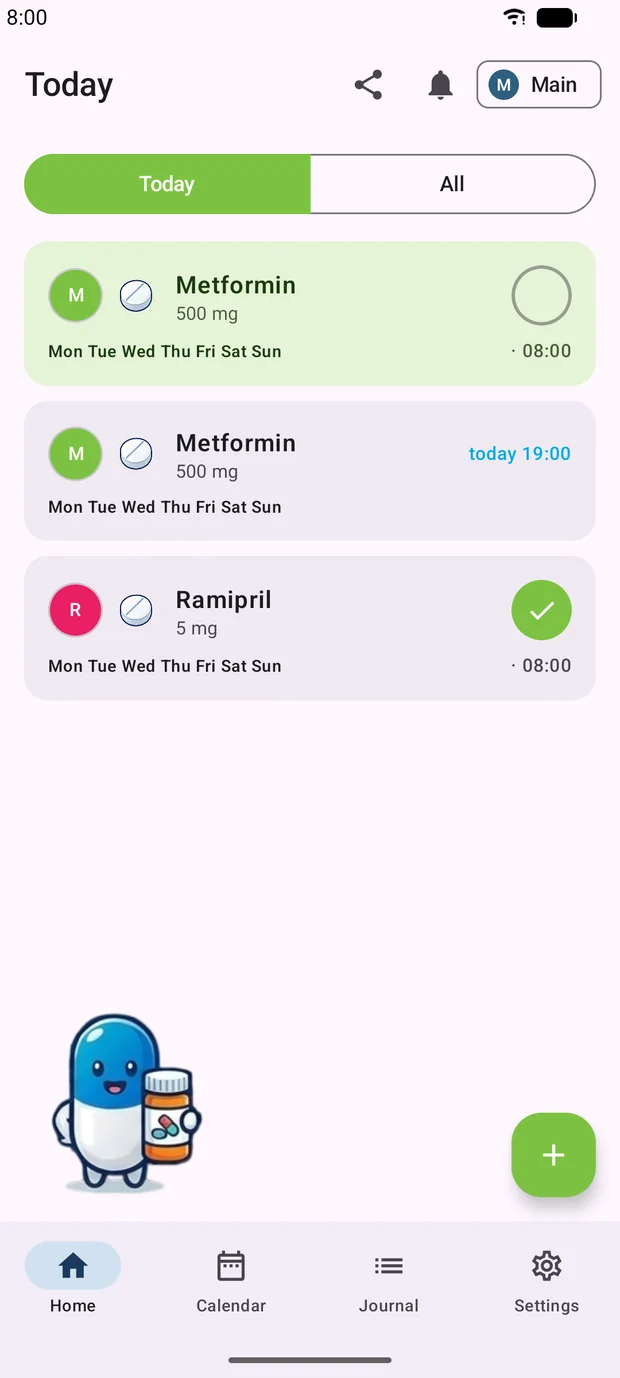

Set up in three steps
Adding a medication takes about a minute. After that Doselia speaks up on its own.
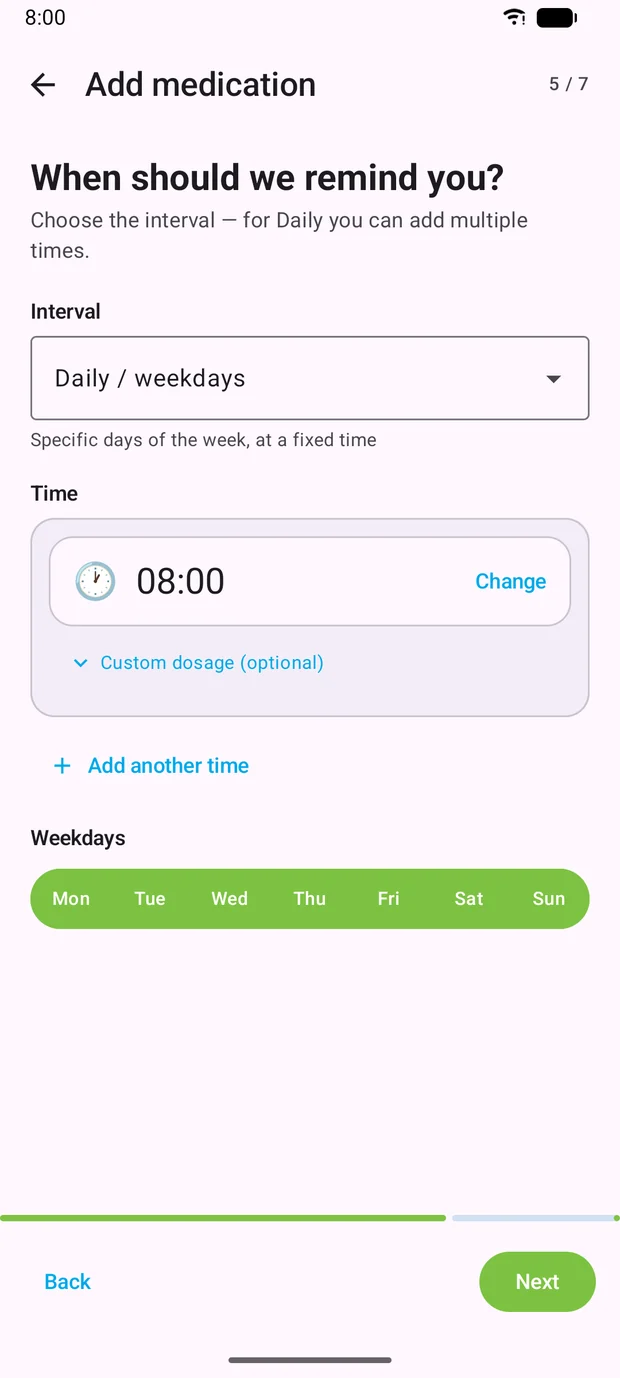
Add a medication
Name, dosage and times — the wizard asks for one thing at a time. Several times a day and individual weekdays are both possible.
Get reminded
The reminder arrives at the time you set. You can mark the dose as taken straight from the notification.
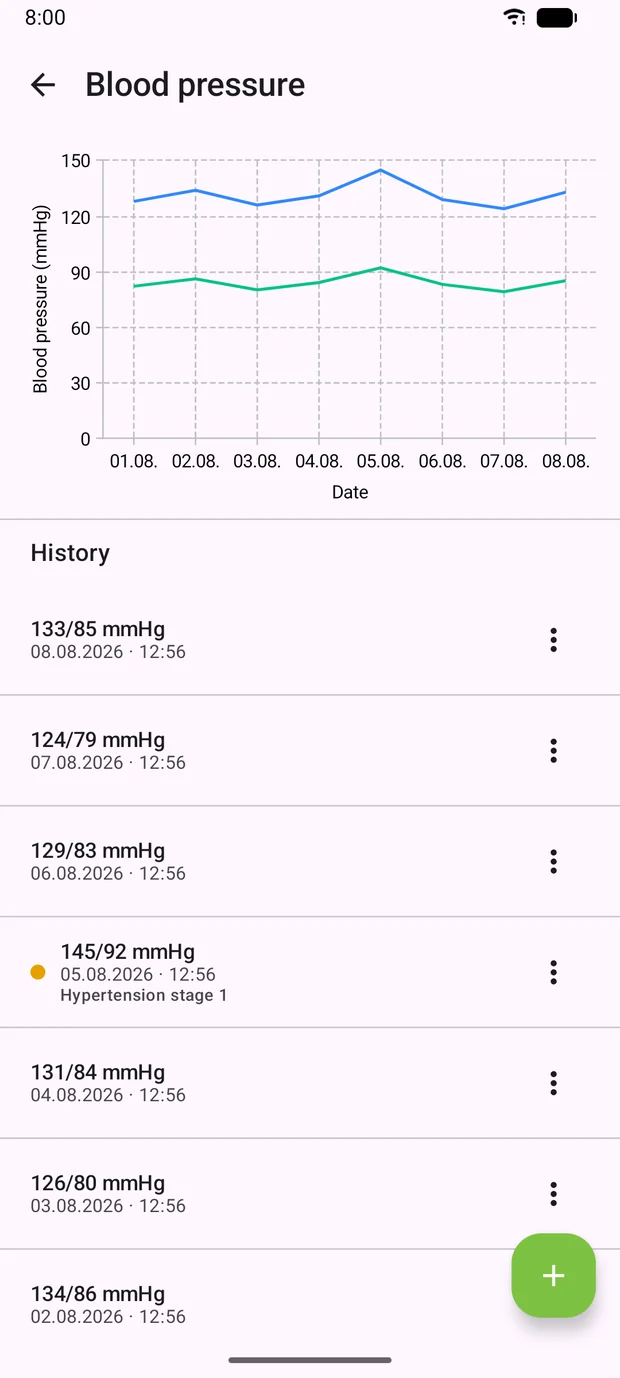
Record your readings
Log blood pressure, weight, pulse and more in the journal. Doselia draws the trend right beside it.
More to see on a computer
The same data in your browser: blood pressure as a curve instead of a column of numbers, the last few weeks of doses at a glance, medications edited in peace. You sign in with the account from the app.

The web dashboard is part of Doselia Plus. The reminders on your phone stay free.
Need more? That is what Plus is for.
The reminders cost nothing. Plus is worth it when you need your data on several devices or want to take it to the doctor.
Web dashboard
Read and edit everything on the big screen.
Export as PDF and CSV
Take your journal and doses to the appointment.
Multiple profiles
Separate medications and appointments for family members.
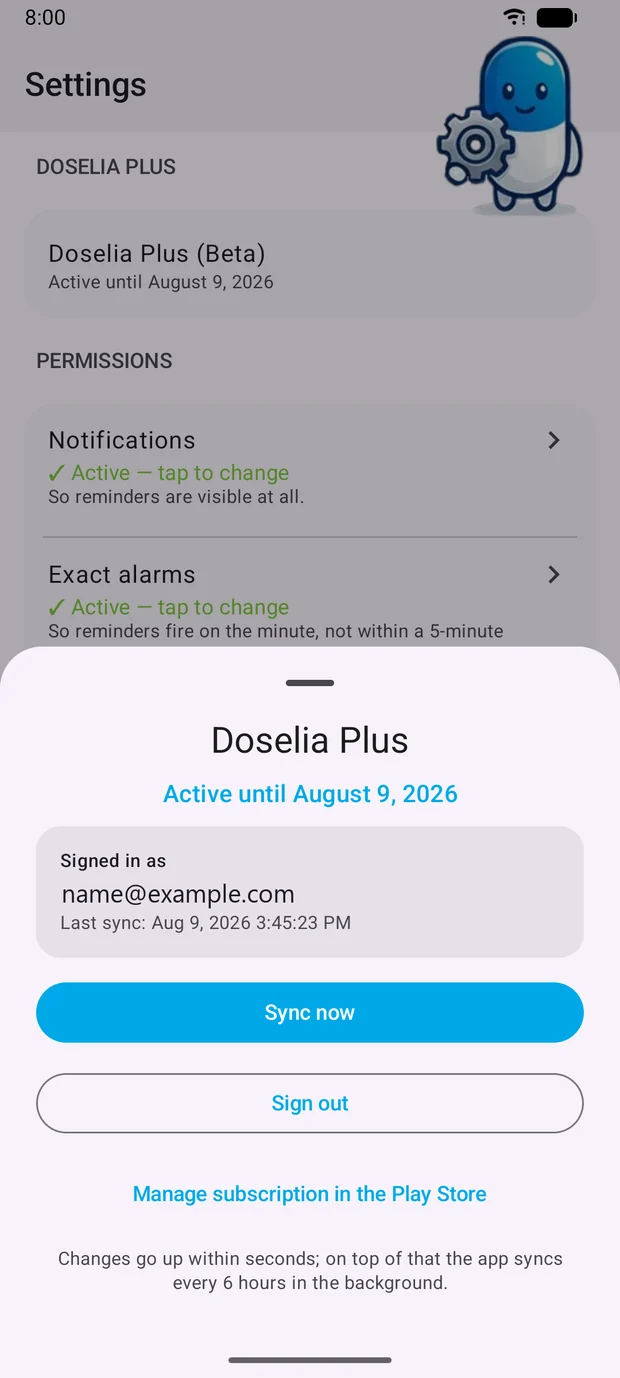
Backup and sync
Everything is back after you switch phones.
Download Doselia
Get it from the Play Store or scan the QR code with your phone.
Doselia for Android
Your account and Doselia Plus are set up in the app. Get it from the Play Store, create your account there — then you can sign in here.

Scan with your phone